Sports Bars & Bars
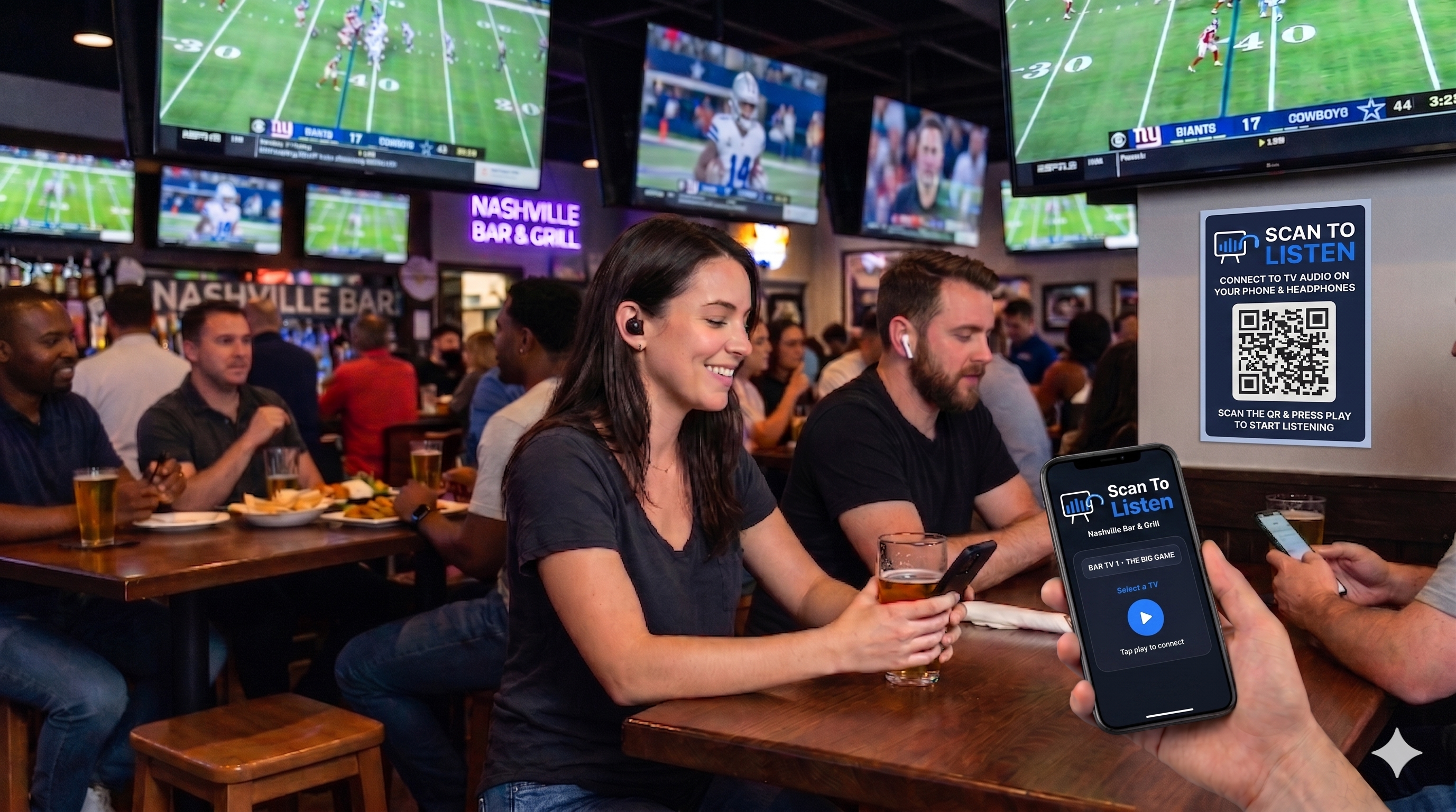
Multiple TVs, Different Games
Every guest tunes in to the game they care about — no volume war, no fighting for the seat nearest the speaker.
Scan To Listen lets your patrons hear any TV or audio source in your venue through headphones they already own. No app to download, no account to create — scan the QR code and press play.
Where It Works
Sports bars, gyms, churches, and more! Scan To Listen works at a wide variety of venues. TVs are the common source — the system carries whatever you feed it: projectors, microphones, a mixing desk, an interpreter’s channel. Every source becomes its own stream, and guests pick from the list.
Sports Bars
Every guest follows their own game, at their own volume, through their own headphones.
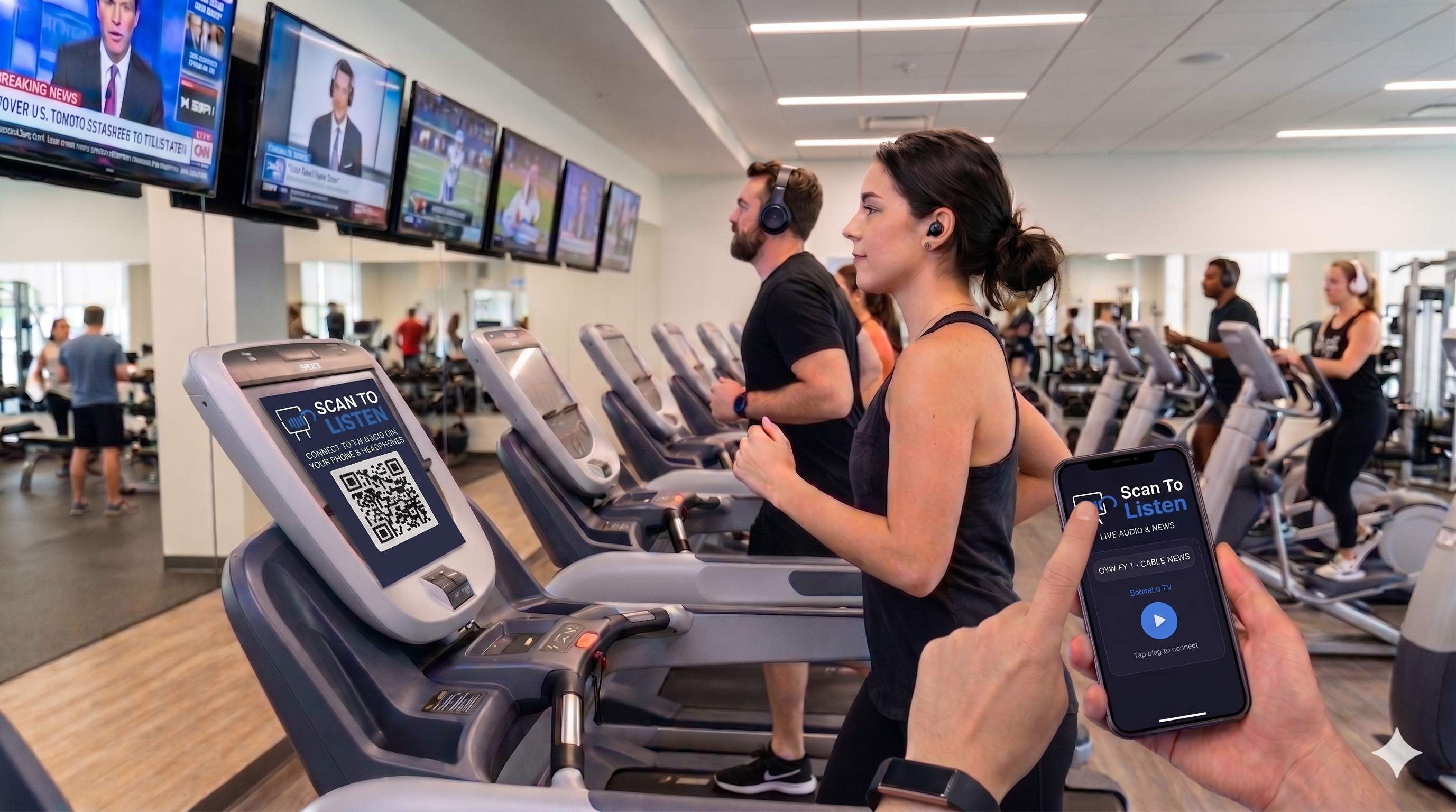
Gyms & Fitness
Cardio TVs through the member’s own earbuds. No overhead volume, no cable at the machine, nothing to sanitise between users.
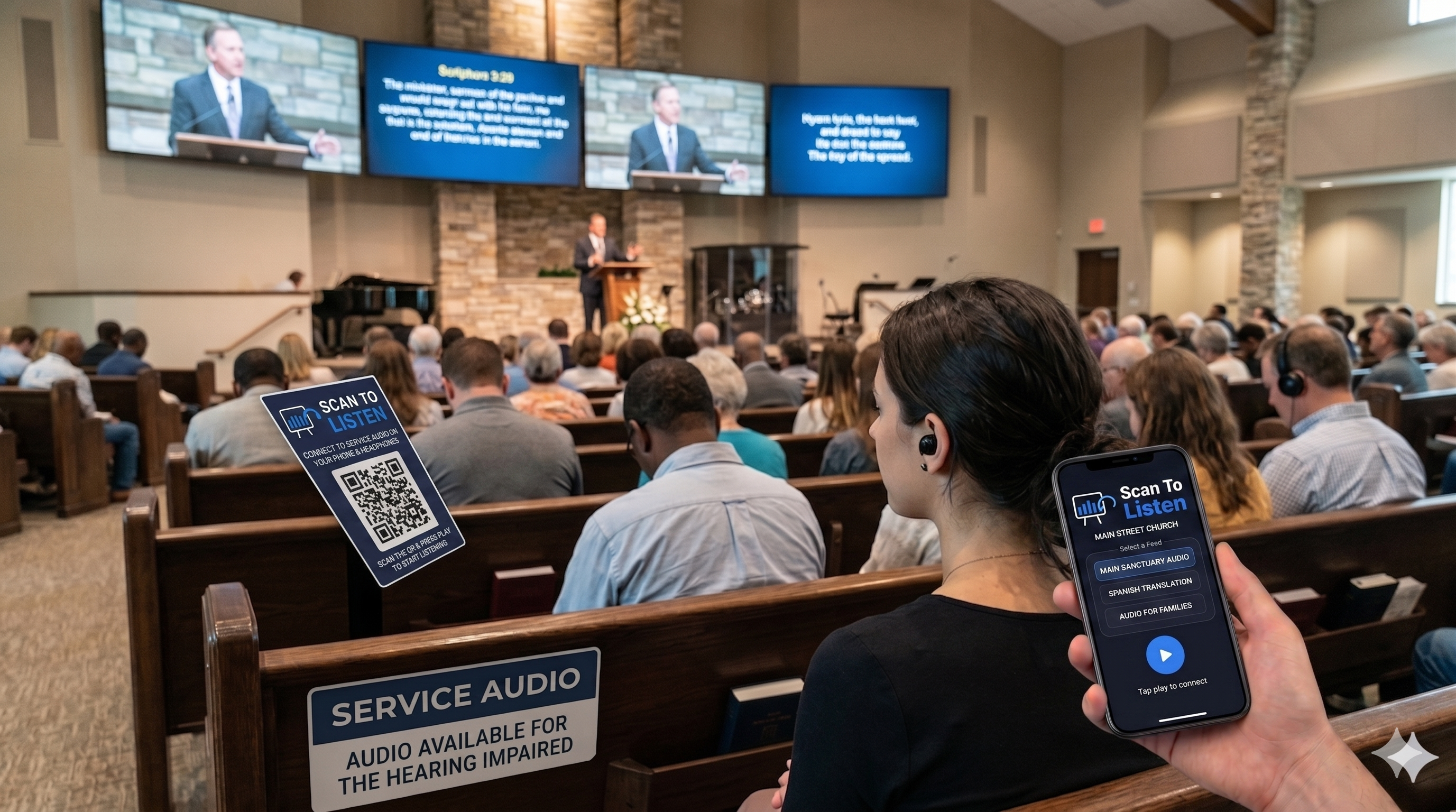
Churches
Sanctuary, overflow room, nursery and lobby all carrying the same service — with English and Spanish running as separate channels for bilingual congregations.
Airport Bars & Lounges
Travellers keep one eye on the departure board and one ear on the game. Works over the venue’s Wi-Fi or our own — no airport IT ticket needed.
Coffee Shops
Keep the room quiet and still give people something to listen to. The music or the match stays optional, per guest.
Waiting Rooms
A television nobody can hear helps nobody. Patients and families listen privately while the room itself stays calm.
Hotel Lobbies
Give guests the lobby screen without making the lobby loud. Late arrivals and early departures both get what they want.
Cinemas & Screening Rooms
Pre-show content, second screens, and private audio for guests who want the volume higher than the room does.
Stadiums & Arenas
Concourse screens are unwatchable when you cannot hear them. Put the live broadcast commentary straight into the phone already in their hand.
Conferences & Events
Several sessions running at once, each its own channel. Attendees pick the room they want to hear — no receivers to hand out or chase down at the end.
Multilingual Audiences
Conferences, tours, civic meetings — give each interpreter their own channel and let guests choose a language from the same list. We carry the interpreter’s live feed; we do not translate.
One scan, one tap. A Wi-Fi QR code joins a guest’s phone to the network; where we supply or help configure the network, a captive portal can then put the player on screen immediately — so joining and listening are a single scan followed by one tap. No typing a password, no app, no account. Captive-portal setup is offered as part of a managed deployment and is configured per venue.
For Venues
Wherever there are screens and an audience, Scan To Listen fits naturally into the experience.
Interactive Demo
Scan the QR code with your phone or tap the button below to experience exactly what a patron sees when they connect to a venue audio stream — fake sports bar, fake TVs, real interaction.
Try the DemoOn a phone? Just tap the button above.
Scan with your phone's camera
How It Works
We guide the setup and support it afterwards — day to day, there is very little for your staff to do.
Enterprise-grade hardware is connected to each audio source and configured for your venue. Most setups are done with remote guidance in a single session; on-site installation is available and quoted separately.
A QR code at each table or screen links directly to the live audio. No account, no app store — it opens right in their mobile browser in seconds.
Patrons plug in their own headphones and hear your audio in real time. You focus on hospitality; we monitor the system remotely and keep it updated.
Features
Everything you need to deliver a seamless listening experience — and keep patrons engaged beyond the audio.
Audio reaches the patron’s phone in a fraction of a second, mitigating the potential for perceptible lip-sync delay.
The stream is taken from the audio output, not the speakers — so your screens can be muted, loud, or anywhere in between, and every listener still hears clearly at whatever volume suits them. Most venues run their screens muted; you do not have to.
Audio plays directly in any modern mobile browser — iOS Safari, Android Chrome. Patrons never visit an app store. There is nothing to install.
Each QR code links directly to a live audio stream. Scan, press play — that is the entire user journey. Secure per-session tokens prevent unauthorized access.
One device carries several audio sources at the same time, each a fully independent stream. Four TVs on four games, a main room and an overflow room, English and Spanish side by side — patrons pick from a list and switch whenever they like.
Surface your food and drink menus, event listings, and promotions directly inside the listening experience without interrupting the audio.
Schedule announcements to appear on a rotation, or send a message to everyone listening right now — happy-hour alerts, game-day specials, last call. Delivered to their screen while the audio keeps playing.
Manage streams, rotate QR codes, and monitor active listener counts from anywhere through a secure, encrypted admin portal. No site visit required.
For venues that demand the absolute lowest latency, Scan To Listen optionally supports Auracast — a Bluetooth LE Audio broadcast standard. Audio streams directly from our device to compatible headphones, bypassing your network and phone browser entirely. No buffering. No congestion. Just sound.
Our Service
We don't drop off a box and leave. Every Scan To Listen deployment is a complete, ongoing managed service.
Setup is straightforward and most venues are up and running with remote guidance: we walk you through it, verify every audio source end to end, and confirm the patron experience before you go live. On-site installation is available in the Nashville, TN area and is quoted separately — elsewhere, setup is remote.
Have an issue? We're reachable remotely and can diagnose most problems without a site visit. Support arrangements are agreed with each venue.
Your system stays current automatically. We push security patches, performance improvements, and new features remotely — no interruption to your venue.
Need something specific to your venue? Additional functionality is available on a case-by-case basis. Get in touch to discuss what your operation requires.
Contact us for a custom quote based on your venue size and number of screens. No commitment, no pressure.
Or email us directly at scantolisten@gmail.com